




Saddle Stitch Booklets
Saddle stitch booklets
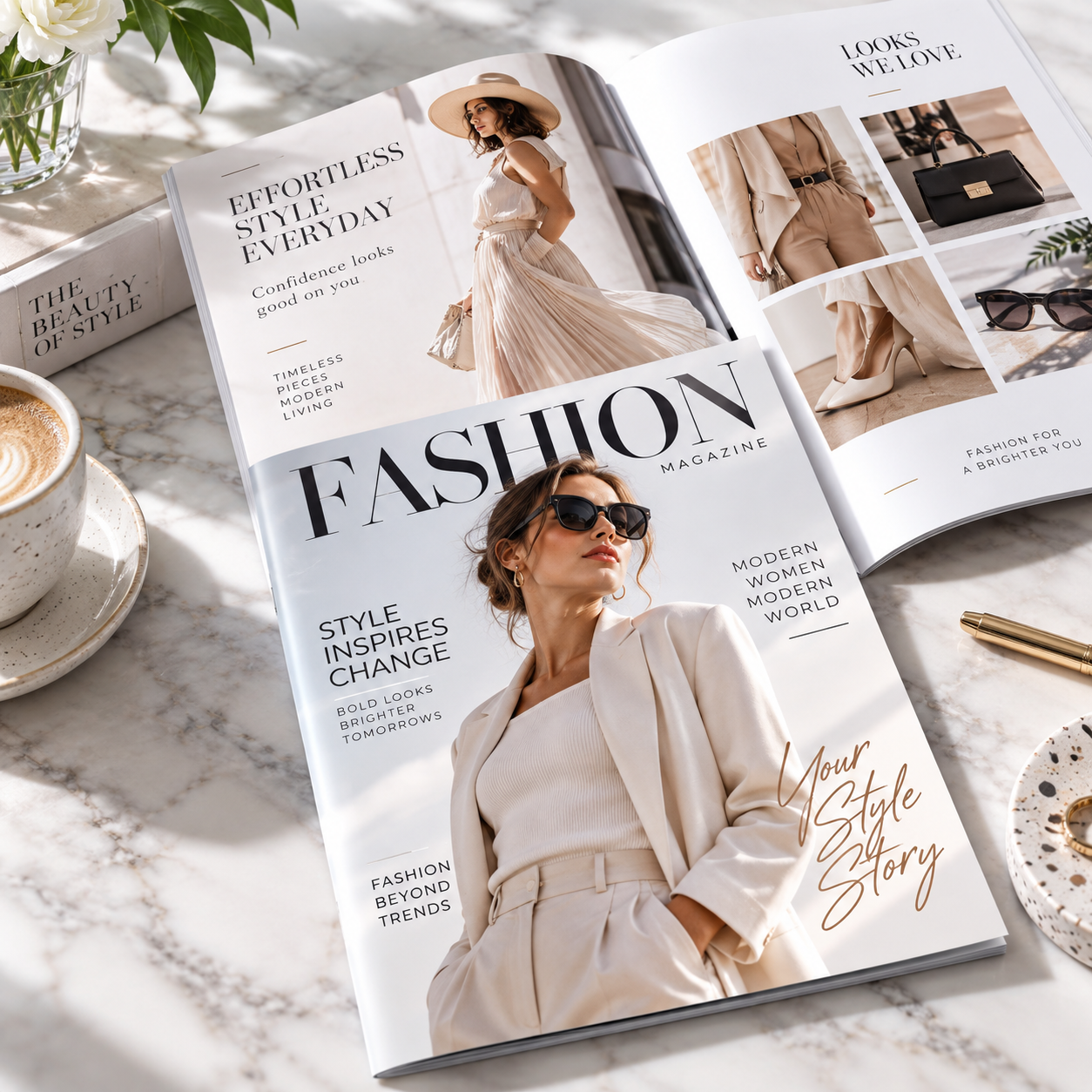
Print saddle stitch booklets in Los Angeles for programs, lookbooks and sales guides. Choose paper and cover options. Request a Design Printing quote.
Choose self cover for one consistent paper stock, or a separate cover for a heavier exterior. Confirm whether your quoted page count includes the cover, and supply pages in normal reading order.
Compare Perfect Bind Booklets, or call (323) 549-9444 to discuss your project.
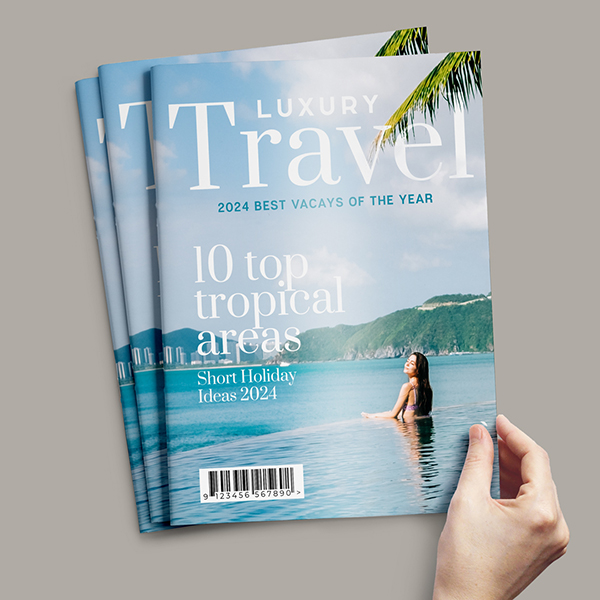
Custom Catalogs & Booklets
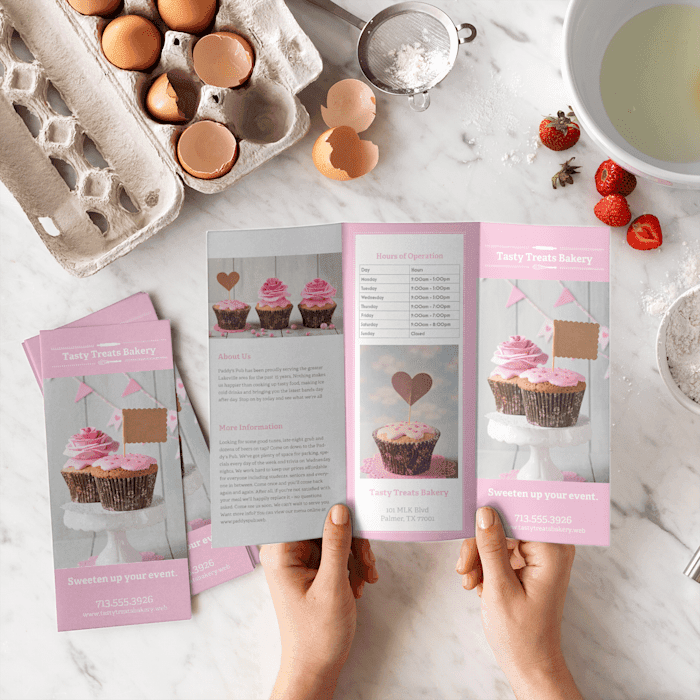
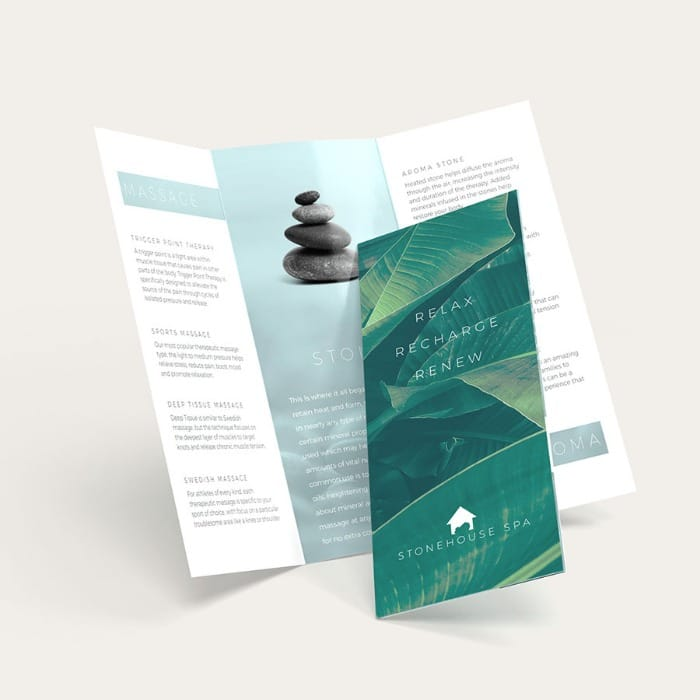
Create professional multi-page publications for products, services, presentations and promotions. Choose your size, page count, paper stock, cover and binding to build the right booklet for your project.
Build the Publication That Fits Your Project
From compact promotional booklets to thicker product catalogs.
Show More Content
Combine products, photos, specifications, pricing and information.
Fully Customizable
Select size, orientation, pages, paper, cover and binding.
Professional Presentation
Give customers a polished printed piece they can keep and revisit.
Catalog & Booklet Printing
Professional multi-page printing for a wide range of applications.


Available Sizes
Choose the format that best fits your content and presentation. (Custom Sizes Are Available)
5.5" × 8.5"
Compact booklet size for guides, programs, manuals and promotional materials.
6" × 9"
Balanced mid-size format for catalogs, books and informational publications.
8.5" × 11"
Traditional full-size format for detailed product catalogs and company presentations.
Choose Your Binding Style
Binding availability depends on your selected page count.

Saddle Stitch
Folded sheets are nested together and stitched through the center spine. A clean and economical option for thinner catalogs, booklets and magazines.
8–52 Pages
Perfect Binding
Interior pages are gathered and glued into a wraparound cover, creating a clean square spine. Ideal for thicker and more substantial publications.
32–96 PagesInterior Paper Options
Choose gloss, matte or uncoated pages to control the look and feel.
100 lb Gloss Book
Approx. 5 ptSmooth, shiny paper with excellent color reproduction for photography and vibrant graphics.
70 lb Opaque Smooth White
Approx. 5 ptBright white uncoated stock with a smooth, writable surface and natural appearance.
80 lb Gloss Book
Approx. 4 ptLightweight gloss stock designed for vibrant images and colorful catalog pages.
80 lb Matte Text
Approx. 4 ptCrisp white stock with a softer, lower-glare matte appearance.
Cover Options
Use the same stock as the interior or add a separate premium cover.
Self Cover
Cover uses the same paper stock selected for the interior pages.
100 lb Gloss Cover
Approx. 10 pt flexible cover with a smooth glossy surface.
14 pt Gloss — UV All Sides
Thicker glossy cover with high-gloss UV coating across the printed cover surfaces.
14 pt Gloss — UV Front & Back
High-gloss UV coating applied to the exterior front and back cover.
14 pt Uncoated Cover
Natural, substantial cover stock with a writable uncoated surface.
100 lb Matte Cover
Approx. 10 pt crisp white stock with a refined matte appearance.
Self Cover vs. Separate Cover
Understanding this option helps you choose the correct booklet construction.
Self Cover
The cover uses exactly the same paper as the interior pages.
One Consistent Material
If you select Gloss Book, Matte Text or another interior stock with Self Cover, the cover uses that same material.
Separate Cover
Choose a dedicated cover stock when you want a thicker or different-feeling exterior.
Catalog & Booklet Specifications
Options vary by selected size, page count, paper and binding.
| Option | Available Choices |
|---|---|
| Finished Sizes | 5.5" × 8.5", 6" × 9", 8.5" × 11", Custom Size |
| Orientation | Vertical or Horizontal |
| Saddle Stitch | 8–52 Pages |
| Interior Paper | 100 lb Gloss Book, 70 lb Opaque Smooth White, 80 lb Gloss Book, 80 lb Matte Text, Custom Size |
| Cover Options | Self Cover, 100 lb Gloss Cover, 14 pt Gloss UV, 14 pt Uncoated, 100 lb Matte Cover, Custom Size |
| Printing | Full-Color Digital or Offset depending on configuration and quantity |
| Digital Options | Available for qualifying low-quantity configurations |
| Offset Options | Available for larger-volume configurations |
Bleed, Trim & Safe Area
Set up every page correctly for professional finishing.
LOGOS & IMPORTANT
CONTENT INSIDE
SAFE AREA
0.125" Bleed
Extend photos, colors and backgrounds beyond the finished edge.
Trim Line
The trim line represents the final finished page size.
Safe Area
Keep text, page numbers and logos safely away from trim edges.
Reading Order
Prepare pages in normal numerical reading order.
Artwork & File Setup
Prepare high-resolution files for accurate production.
| Artwork Requirement | Setup |
|---|---|
| Bleed | 0.125" |
| Resolution | 350 DPI |
| Color Mode | CMYK |
| Supported Files | PDF, ZIP, GZ, 7Z, TAR, RAR |
| Maximum Upload | 75 MB |
| Page Order | Normal numerical reading order |
| Critical Content | Keep inside the template safe area |
| Edge-to-Edge Artwork | Extend through the bleed area |
Ideal For
Flexible multi-page printing for business, marketing and publishing.
Frequently Asked Questions
What catalog sizes are available?
Available finished sizes include 5.5" × 8.5", 6" × 9" and 8.5" × 11".
Can catalogs be printed horizontally?
Yes. Vertical and horizontal templates are available for the standard catalog sizes.
What is Saddle Stitch binding?
Saddle Stitch uses folded sheets that are nested together and stapled through the center spine. It is available for page counts from 8 through 96 pages.
What is Perfect Binding?
Perfect Binding uses adhesive to secure the interior pages inside a wraparound cover, creating a clean square spine. It is available for 48 through 96 pages.
What interior paper stocks are available?
Choose 100 lb Gloss Book, 70 lb Opaque Smooth White, 80 lb Gloss Book or 80 lb Matte Text.
What does Self Cover mean?
Self Cover means the cover uses the same paper material selected for the interior pages.
Can I use a heavier cover?
Yes. Separate cover options include 100 lb Gloss Cover, 14 pt Gloss Cover, 14 pt Uncoated Cover and 100 lb Matte Cover.
What is the difference between Gloss and Matte paper?
Gloss stocks provide a shinier surface that enhances photographs and vibrant colors. Matte stocks provide a softer, lower-glare presentation.
Can I choose uncoated paper?
Yes. 70 lb Opaque Smooth White is available for interior pages, and 14 pt Uncoated Cover is available as a cover option.
How much bleed is required?
Use 0.125" bleed wherever images, colors or backgrounds extend to the finished edge.
What resolution should my artwork be?
Prepare raster artwork at approximately 350 DPI and use CMYK color mode.
How should I arrange my pages?
Submit pages in normal reading order. Do not manually create printer spreads unless specifically requested.
Your Products. Your Story. Professionally Bound.
Design Printing produces custom catalogs and booklets in multiple sizes, page counts, paper stocks, cover materials and binding styles for marketing, sales, publishing and presentations.