









Saddle Stitch vs. Perfect Binding: A Guide to Booklets and Catalogs

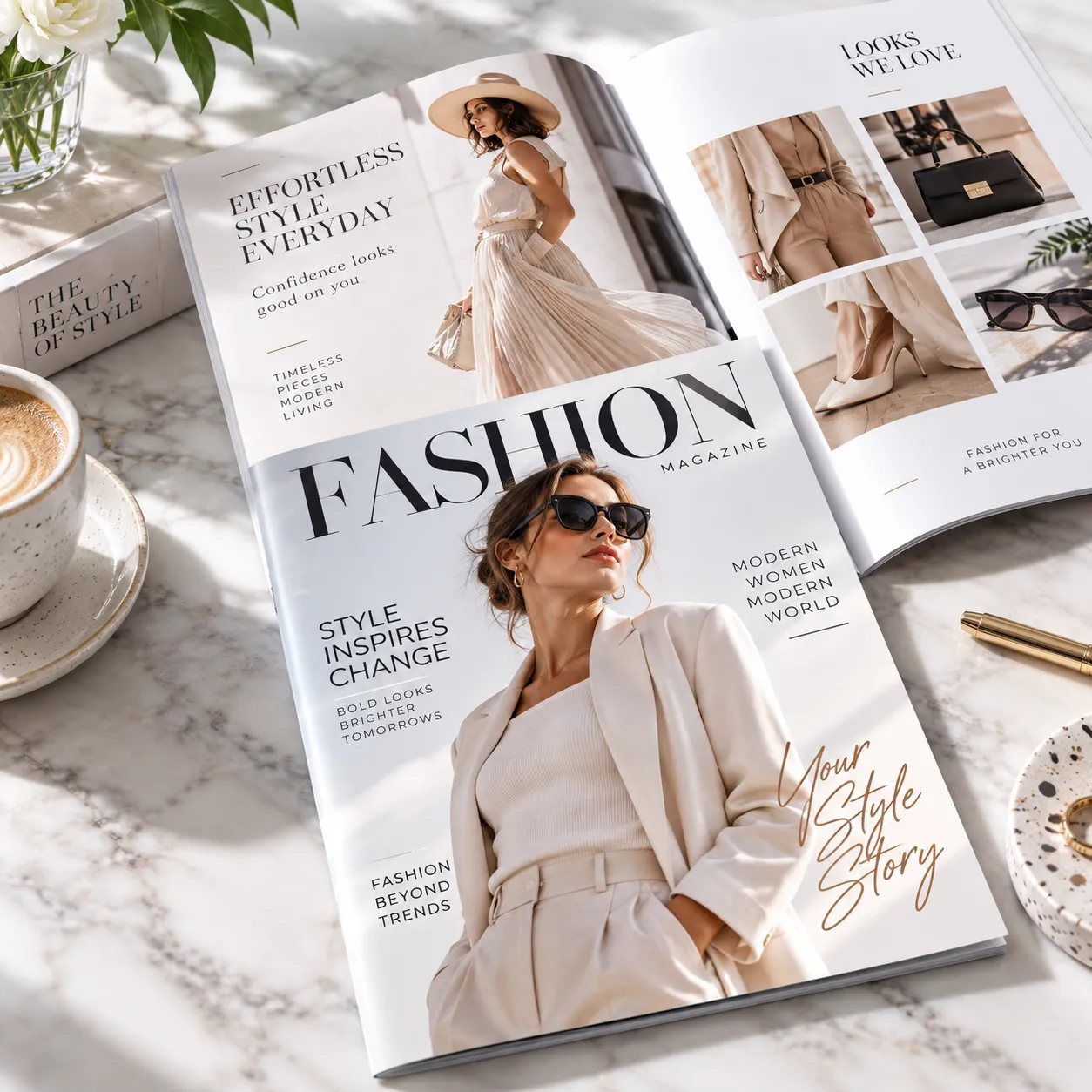
Binding affects how a booklet feels, how its pages open and how the cover is designed. Choosing it before the layout is complete helps you avoid rebuilding a finished catalog around a different spine or page count.
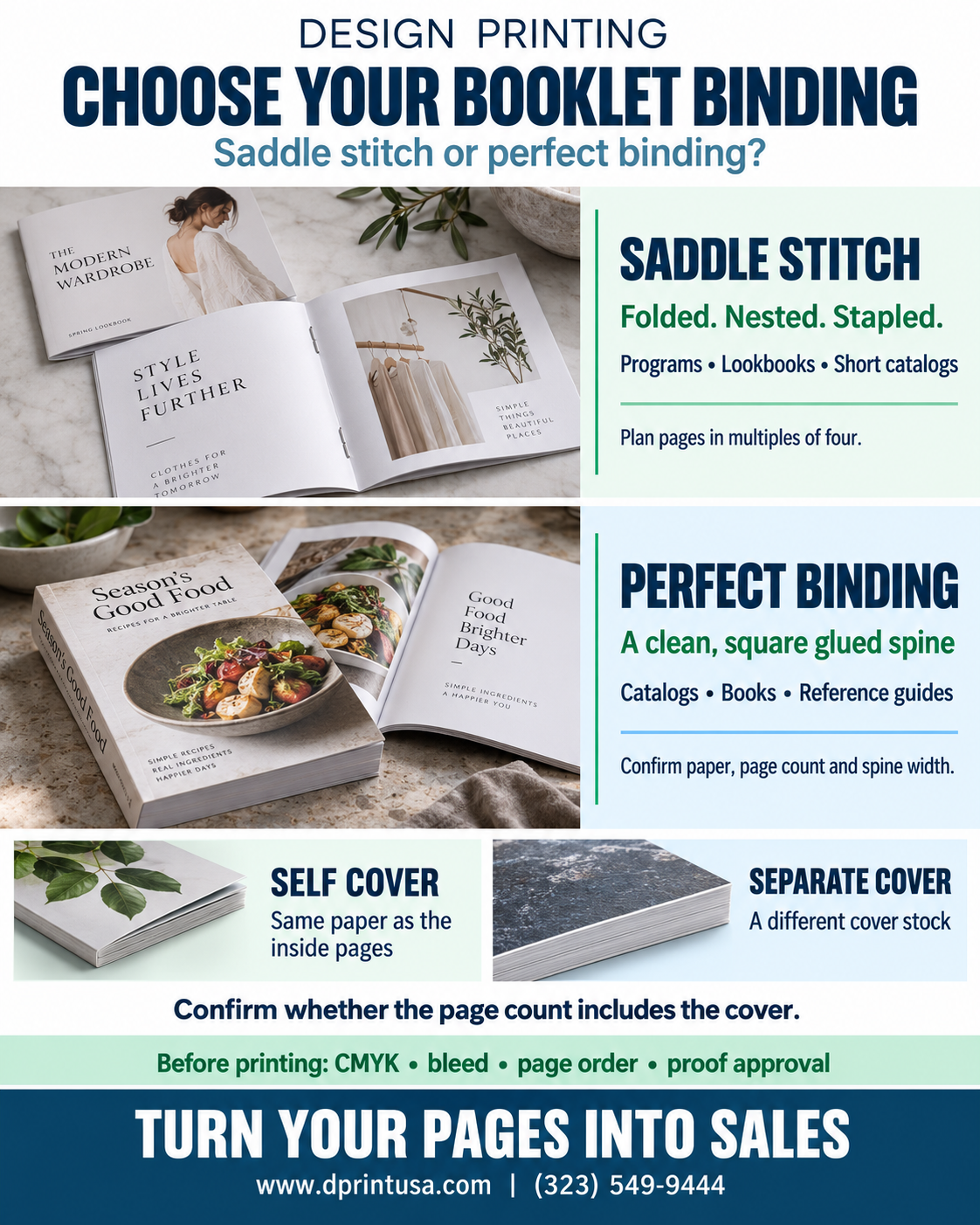
Saddle stitch joins folded sheets with staples through the center fold. Perfect binding secures a page block with adhesive inside a wraparound cover, creating a square spine. Start with the purpose of the publication, then confirm the page count and paper combination with the printer.
Watch the 32-second guide
Have a project in mind? Request a custom printing quote or call (323) 549-9444.
Quick visual guide
Compare the two binding methods
| Decision | Saddle stitch | Perfect binding |
|---|---|---|
| Construction | Folded, nested sheets stapled through the fold | Pages secured with adhesive into a wraparound cover |
| Typical use | Slim programs, promotional booklets and shorter catalogs | More substantial catalogs, books and longer publications |
| Spine artwork | No separate flat spine panel | Spine artwork may be possible if the confirmed width allows it |
| Main layout check | Page count, fold and creep allowance | Spine width, inner margins and cover template |
These are starting points, not fixed page-count limits. The available construction depends on paper thickness, cover choice, finished size and the production configuration.
When saddle stitch is a good fit
Saddle stitch booklets suit projects where a compact, flexible publication is useful: event programs, product introductions, short service guides and promotional lookbooks. The pages are folded and nested before being stitched through the center.
A folded sheet creates four page surfaces, so a conventional saddle-stitched layout is planned in multiples of four. Blank pages still occupy space in that construction. If the content does not fit neatly, use the page plan to decide whether to edit, add useful material or include intentional blanks before the artwork is approved.
As folded sheets nest together, the inner sheets can project farther at the open edge. This is called creep. Its allowance belongs in production planning; keep important text comfortably inside the required safe area and let the printer confirm any adjustments for the selected stock.
When perfect binding is worth considering
Perfect bound booklets offer a square spine and a more book-like presentation. They are an option to discuss for a substantial product catalog, company publication or reference guide that needs a defined cover and spine.
The page block must be suitable for the binding equipment and adhesive process. A particular page count does not automatically qualify, because thinner and thicker papers create different spine widths. Confirm the combination of pages, stock and cover before completing the cover file.
The bound edge also affects what a reader can see near the center of an open spread. Allow appropriate inner margins, and review photographs or diagrams that cross the gutter. Avoid placing small text or a critical product detail where it may disappear into the binding.
Count pages and covers clearly
A page is one side, not one sheet. The front cover, inside front cover, inside back cover and back cover are four page surfaces. The useful question is whether the quoted page count includes those surfaces or describes the interior only.
For example, “16 total pages including the cover” and “16 interior pages plus a four-page cover” describe different publications. Write the intended construction explicitly in the quote request and ask for confirmation before submitting the final PDF.
- Self cover: The cover uses the same paper stock as the interior.
- Separate cover: A different, often heavier cover stock wraps the interior section.
- Blank pages: Include intentional blanks in the page plan and supplied file.
- Orientation: State the finished width and height and identify the binding edge.
Choose paper by feel and function
Gloss, matte and uncoated papers create different reading and handling experiences. A photo-heavy catalog, a workbook that people write in and a concise event program may benefit from different stocks. Review both the inside pages and the cover as part of one publication.
Do not compare paper weight by the number alone. “100 lb book” and “100 lb cover” are different paper categories; the same number does not mean the same thickness. Ask for the stock’s caliper or a physical sample when the feel of the finished booklet matters.
Discuss coating or lamination separately from the base stock. A glossy paper surface, a UV coating and a film laminate are different specifications. Confirm what is included in the selected cover option and how it suits the intended use.
Prepare the PDF after the construction is confirmed
Create the interior in normal reading order and follow the selected product’s submission instructions. Do not manually rearrange pages into printer spreads unless the production team asks for them. For perfect binding, obtain the final cover template and confirmed spine width before exporting the wraparound cover.
Adobe distinguishes normal document page order from production imposition in its booklet printing guidance. That distinction is why a file that looks ready for a desktop booklet printer may not be the correct file to send for commercial production.
- Trim and bleed: Use the exact template; Design Printing’s booklet pages specify 0.125-inch bleed for artwork that reaches the trim.
- Safe areas: Keep text, page numbers and logos inside the required margins, including the bound edge.
- Images and color: Follow the product’s resolution and CMYK requirements at the finished size.
- Fonts: Embed or outline fonts as required by the submission instructions.
- Proof review: Check spelling, prices, contact details, page sequence, blank pages and the final cover before approving production.
Read our bleed and safe-area guide for a practical explanation, then apply the actual measurements from your chosen booklet template.
Frequently asked questions
Can a short booklet be perfect bound?
It depends on the thickness of the assembled pages and the production setup. Ask for confirmation rather than assuming a short page count will create a usable spine.
Can I print a title on a saddle-stitched spine?
A saddle-stitched booklet has a fold rather than a separate flat spine panel. Put the title on the cover. For perfect binding, confirm that the calculated spine width can accommodate readable spine artwork.
Which binding is less expensive?
Request a comparison using the same finished size, quantity and paper specifications wherever possible. Binding, cover stock, page count, finishing and production method all contribute to the quote; comparing the binding name alone can be misleading.
Request a booklet or catalog quote
Send Design Printing the finished size, quantity, total page count, cover construction, preferred paper, binding choice and required delivery date. If you are still deciding, include the draft PDF and explain how customers will use the publication so we can discuss an appropriate configuration.
For help planning a Los Angeles printing project, call (323) 549-9444.


